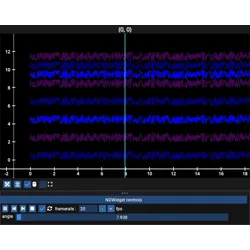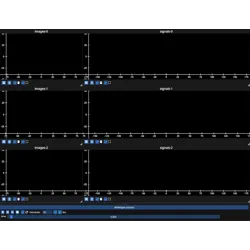
fastplotlib.NDWidget#
- class NDWidget(ranges=None, indices=None, **kwargs)[source]#
Explore n-dimensional multi-modal datasets through synchronized graphical representations.
An
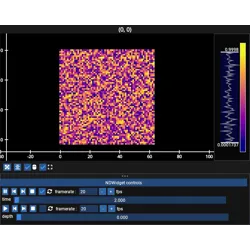
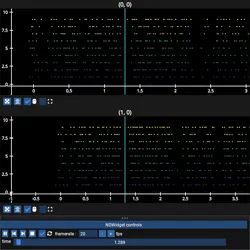
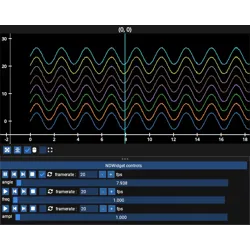
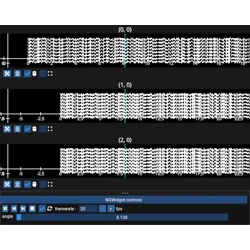
NDWidgetmanagesNDGraphicobjects distributed across the subplots of anImguiFigure. EachNDGraphicwraps one array-like object, names every dimension of that array, and declares which of those dims are spatial, i.e. rendered. All remaining dims are slider dims. Every slider dim gets a slider, and moving it re-slices everyNDGraphicthat has that dim and updates itsGraphic. Arrays of different shapes, dim orders and sampling rates therefore stay synchronized as long as they name their shared dims identically.Slider positions are stored in reference-space units (ex: seconds, µm, Hz) by a
ReferenceIndexwhich is shared by everyNDGraphicin the widget. EachNDGraphicmaps these values onto indices of its own array using itsslider_dim_transforms.Use
ndw[row, col]orndw["subplot_name"]to get theNDWSubplotfor a subplot, it provides theadd_nd_<...>methods.- Parameters:
ranges (dict[str, tuple[float, float, float] | RangeContinuous], optional) –
Reference range for each slider dim,
{dim_name: (start, stop, step)}or aRangeContinuousinstance. These are in reference-space units,startandstopbound the slider andstepis the increment used by the step and play buttons.A slider dim with no entry here gets an
AutoRangeContinuousof(0, <size of that dim>, 1)when the graphic is added, along with a warning. With the default identityslider_dim_transformthis is a one-to-one mapping from reference-space units to array indices, i.e. the reference value is the array index. Ex: a dim of size 1000 gets the range(0, 1000, 1), the slider spans[0, 999], and reference value437indexes element437.Specify a range when the reference-space units are not array indices, ex:
{"time": (0.0, 10.0, 0.001)}for 10 seconds at 1 ms resolution, together with aslider_dim_transformthat maps seconds onto the indices of that array. The size is unknown for a graphic added withdata=None, so its slider dims must be given a range here.indices (ReferenceIndex, optional) – Use an existing
ReferenceIndexinstead of creating one fromref_ranges, which is then ignored. MultipleNDWidgetinstances that share aReferenceIndexare synchronized, so one set of sliders can drive data displayed across several windows.kwargs – passed to
ImguiFigure
Examples
A video and a set of traces that share a “time” dim, driven by one slider:
import numpy as np
import fastplotlib as fpl

video = np.random.rand(1000, 512, 512)  # [time, row, col]
traces = np.random.rand(50, 1000, 2)    # [neuron, time, xy]

ndw = fpl.NDWidget(ref_ranges={"time": (0, 1000, 1)}, shape=(1, 2))

# all dim names, then the spatial dims in display order
ndw[0, 0].add_nd_image(video, ("time", "row", "col"), ("row", "col"))
ndw[0, 1].add_nd_timeseries(traces, ("neuron", "time", "xy"), ("neuron", "time", "xy"))

ndw.show()