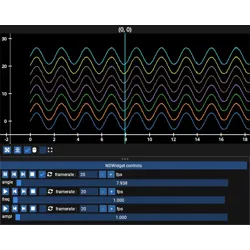
fastplotlib.layouts._subplot.Subplot#
- class Subplot(parent, camera, controller, canvas, rect=None, extent=None, resizeable=True, toolbar=True, renderer=None, name=None, background_color=['black'], frame_kwargs=None)[source]#
Subplot class.
Important
Subplotis not meant to be constructed directly, it only exists as part of aFigure- Parameters:
parent ('Figure') – parent Figure instance
camera (str or pygfx.PerspectiveCamera, default '2d') – indicates the FOV for the camera, ‘2d’ sets
fov = 0, ‘3d’ setsfov = 50.fovcan be changed at any time.controller (str or pygfx.Controller, optional) –
ifNone, uses a PanZoomController for “2d” camera or FlyController for “3d” camera.ifstr, must be one of: “panzoom”, “fly”, “trackball”, or “orbit”.also accepts a pygfx.Controller instancecanvas (BaseRenderCanvas, or a pygfx.Texture) – Provides surface on which a scene will be rendered.
renderer (WgpuRenderer) – object used to render scenes using wgpu
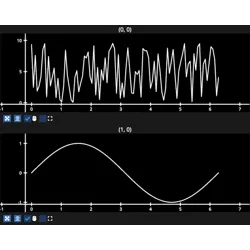
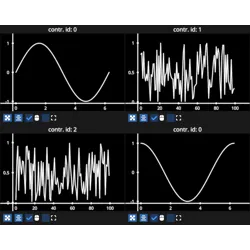
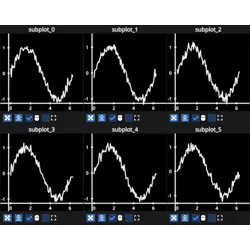
name (str, optional) – name of the subplot, will appear as
TextGraphicabove the subplotbackground_color (tuple[str | pygfx.Color, ...], default ["black"]) – background color, upto 4 colors, one for each corner
frame_kwargs (dict | None, default None) –
options for the Subplot Frame. May contain any of the keys
"spacing","title_kwargs", and"plane_color". Each value is itself a dict that is merged with the defaults, so only the entries you want to change need to be passed.”spacing”: dict, spacing of the frame elements in pixels
"x0": int, default 1, offset of the frame from the left edge"sides": int, default 2, padding at the left and right sides"title_flanks": int, default 8, space above and below the title text"resize_handle_space": int, default 13, space reserved for the resize handle"bottom": int, default 8, padding along the bottom edge
”title_kwargs”: dict, options for the title
TextGraphic"font_size": float, default 16"face_color": str | tuple[float, …] | pygfx.Color, default “w”
”plane_color”: dict, colors of the frame plane for each interaction state, used to construct a
SelectorColorStates. Each value is a str | tuple[float, …] | pygfx.Color."idle": color when the frame is not being interacted with"highlight": color when the frame is hovered"action": color while the frame is being moved or resized
Example:
frame_kwargs = {
    "spacing": {"bottom": 12},
    "title_kwargs": {"font_size": 20},
    "plane_color": {"idle": "w", "highlight": "gray"},
}