
Note
Go to the end to download the full example code.
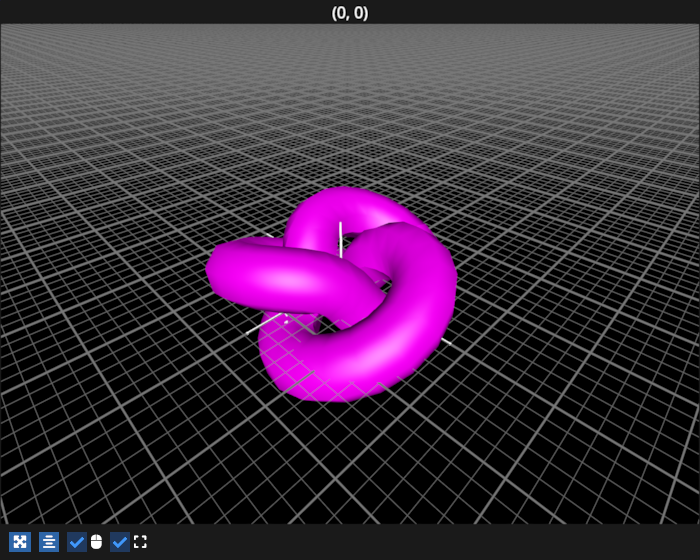
Simple mesh#
Example showing a simple mesh
# test_example = true

import fastplotlib as fpl
import pygfx as gfx


figure = fpl.Figure(size=(700, 560), cameras="3d", controller_types="orbit")


# Load geometry using Pygfx's geometry util
geo = gfx.geometries.torus_knot_geometry()
positions = geo.positions.data
indices = geo.indices.data

mesh = fpl.MeshGraphic(positions, indices, colors="magenta")

figure[0, 0].add_graphic(mesh)
figure[0, 0].axes.grids.xy.visible = True
figure[0, 0].camera.show_object(mesh.world_object, (1, 1, -1), up=(0, 0, 1))

figure.show()


# NOTE: fpl.loop.run() should not be used for interactive sessions
# See the "JupyterLab and IPython" section in the user guide
if __name__ == "__main__":
    print(__doc__)
    fpl.loop.run()
Total running time of the script: (0 minutes 0.426 seconds)